Table of Contents
"New Job" menu option
Explanation
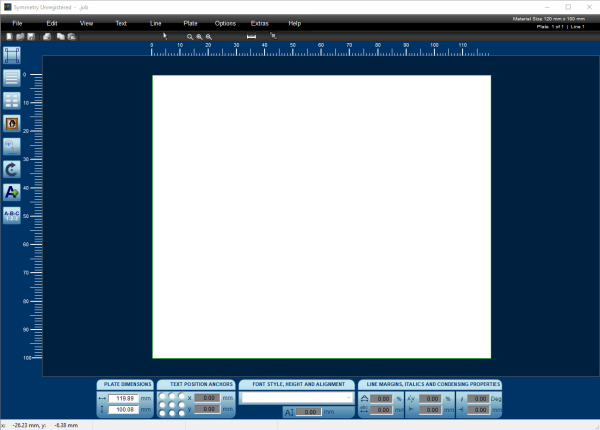 When selecting this option, Symmetry will prompt the operator to save their active file, then will open a blank job screen, along with the Quick Start Wizard.
- When you close the Quick Start Wizard using the [X] in the upper right corner, or when you previously deactivated the wizard by deselecting the “Show this dialog again”-box in the lower left corner, you start with a blank screen allowing you to start a new engraving job from scratch, adding text lines, import images, add borders etc.

Access through...
- the Startup screen
- “New Job” menu icon
- “File” menu